|
宇宙神學 正面能量 生命是神 人類身份重新定位 超科學 超哲學 超靈學 超精神學 生命精神靈糧神 向世人宣告訊息 提升地球生命意識 要世人新認知 精神能量 離開負面 恐懼文化 過著和平 與愛的生活神學 神與人對話前後長達10年期間記錄 新神學,新完整的 宇宙神學 思維,靈魂、哲學、科學 這些實相,急求片段章節文義 是無法看出 神的全貎! 神要人類認識自己 真實身分,才能知道生命是誰,我在做誰,生命自古人類,宇宙開始永不滅。為何 神是我! 天堂、湼槃、地獄、神鬼、靈魂是誰,宇宙星球天地萬名 是我 都是神 ,生命無法離神 獨自存在 ,生命是神 宗教創造之神 不是我 與我無關。下面類舉標題,人類須要認知,釋放疑惑,放下問題。 電子郵件 Syh249097@gmail.com |
|
靈魂是生命之主 自由選擇設計生命藍圖 體驗經歷生命 是欲願來世 沒有輪迴命運 是靈魂在創造 想做我是誰 |
|
生命只是存在..生命兆年不滅..生命是誰..死亡是誰..我是誰..存在是誰..善惡是 科學家們向世界公佈了訊息,宇宙是由大爆炸,不停止的向
|
書編著者: 徐慶德 願意研究者: 電話 0911 249097 |
奉一切萬有 神 禱告
|
 誰..宇宙是誰..星球是誰..能量是誰..動物是誰..植物是誰..以太是誰..物質是誰..愛是誰..恨是誰..神鬼
 宇宙空間擴張前進,宇宙膨帳。神在對話說;這些都是是的。但人類乃不能清楚外星球生物生態的訊息。
 另外一邊的外星球
 人類及生物因為經歷的過程,設定基因遺忘自已
 "一切萬有"神
  本神學 就是為自己是誰,從幻象幻覺生活中找回自己的本我。本書以精簡的文詞把訊息帶給能接受知曉的進化者,再進化完全釋放自己,生命將融合"萬有"後,自會再選擇自己要作誰。像世界東西方名人,如耶穌、克里希、佛陀、聖人或大師、很多人等,都了解這一點。只是論逑和創造方法各有文化,創意不同是比一般人先知。神說;你們覺醒知曉都是大師。你們創造吧! 生命須要多采多姿美如雪花,神與你源一只有"一"
 感謝神 因你對話使我知曉我是誰,你使我知道你是愛、自由、喜悅、源頭,華麗莊嚴的天堂。你使我知道靈魂生命不滅,沒有人能在神裡消失。 你將萬有元素放處使物質不缺,喚醒我知曉靈界與物質界都是幻象幻覺生活。靈魂意念創造了經歷,體驗生命藍圖與神融合,使我憶起生命的宏觀和偉大。 量子宇宙澎漲收縮是你的呼吸,你靜如大海動如星體爆炸。靈魂是你分子,物質生物是靈魂體驗生命外榖,你我一體永遠莊嚴華麗,這是生命。 人類創造苦、恐懼、權力、對錯二元體驗生命過程,執著經歷多世生命,苦循環乃不會停止。 神 你旨意改造地球生命意識,與人對話顯現神蹟,記載在宇宙神學 是要來喚醒生命我是誰,我真實的身分如何與神 親近融合一體。
 |
|
|
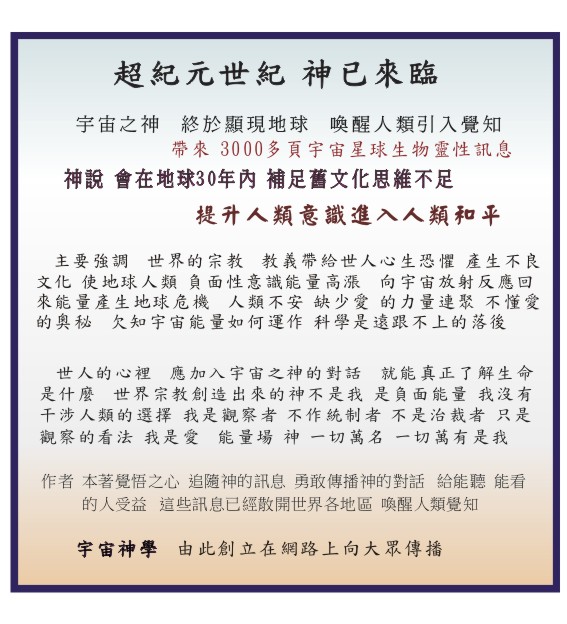
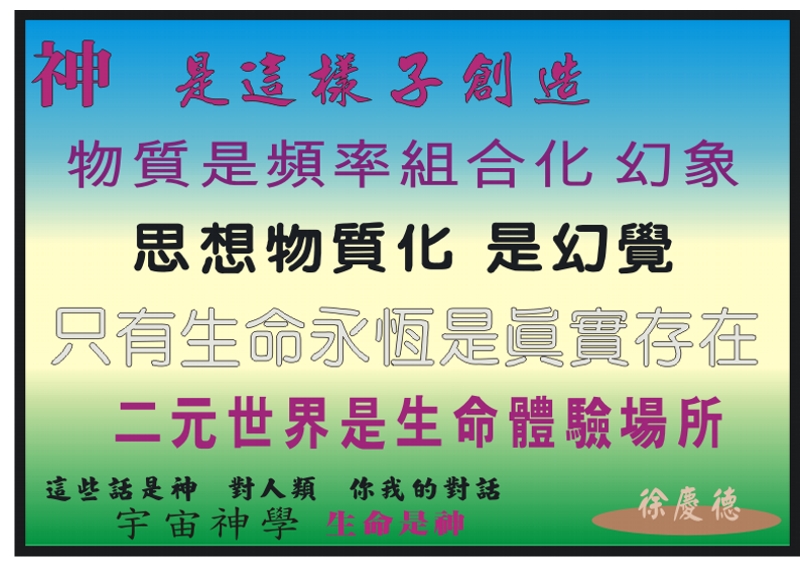
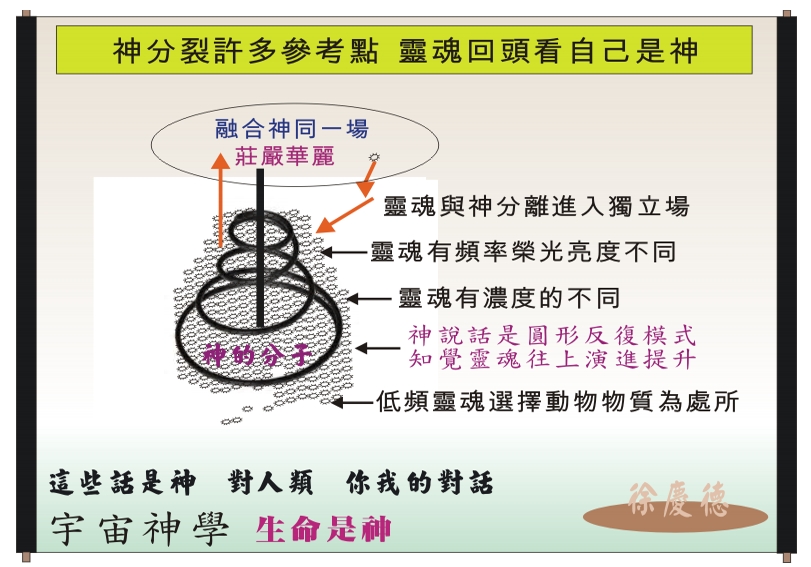
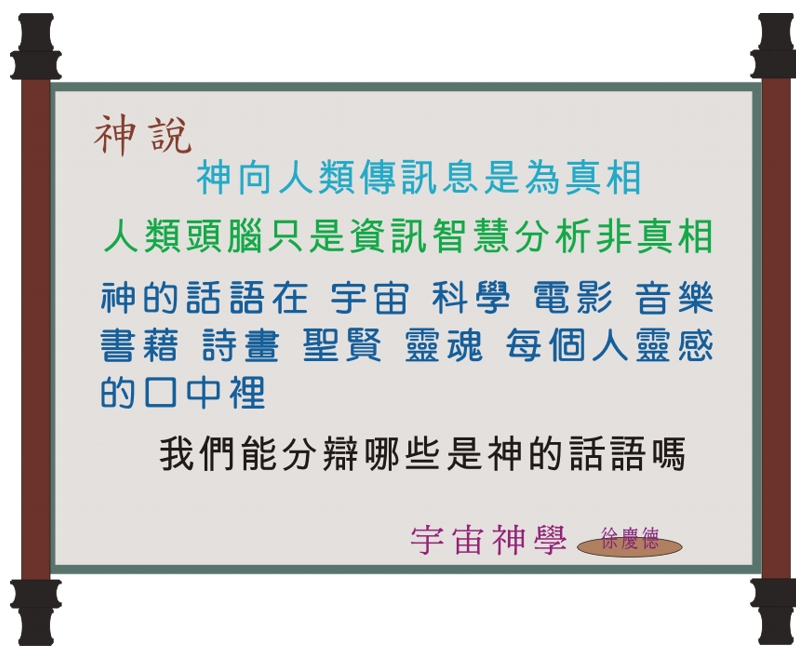
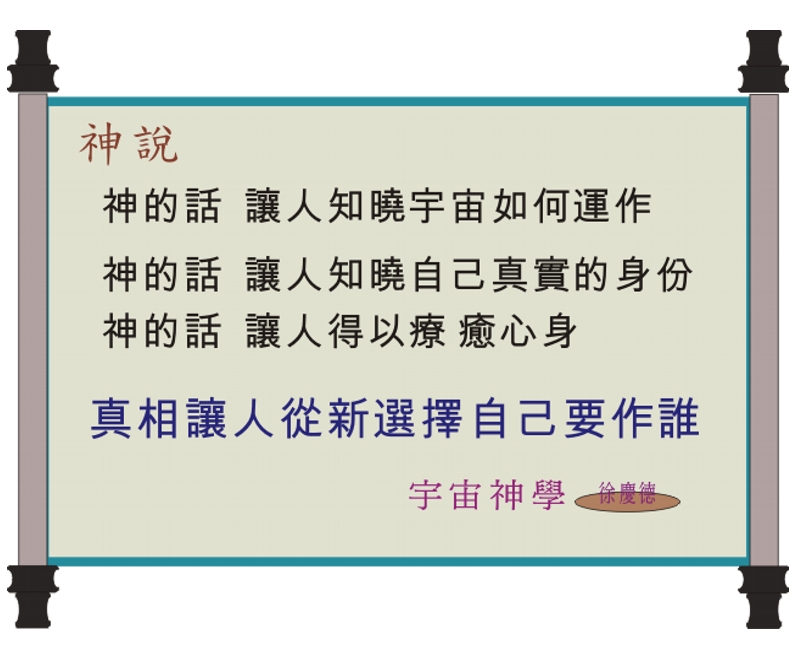
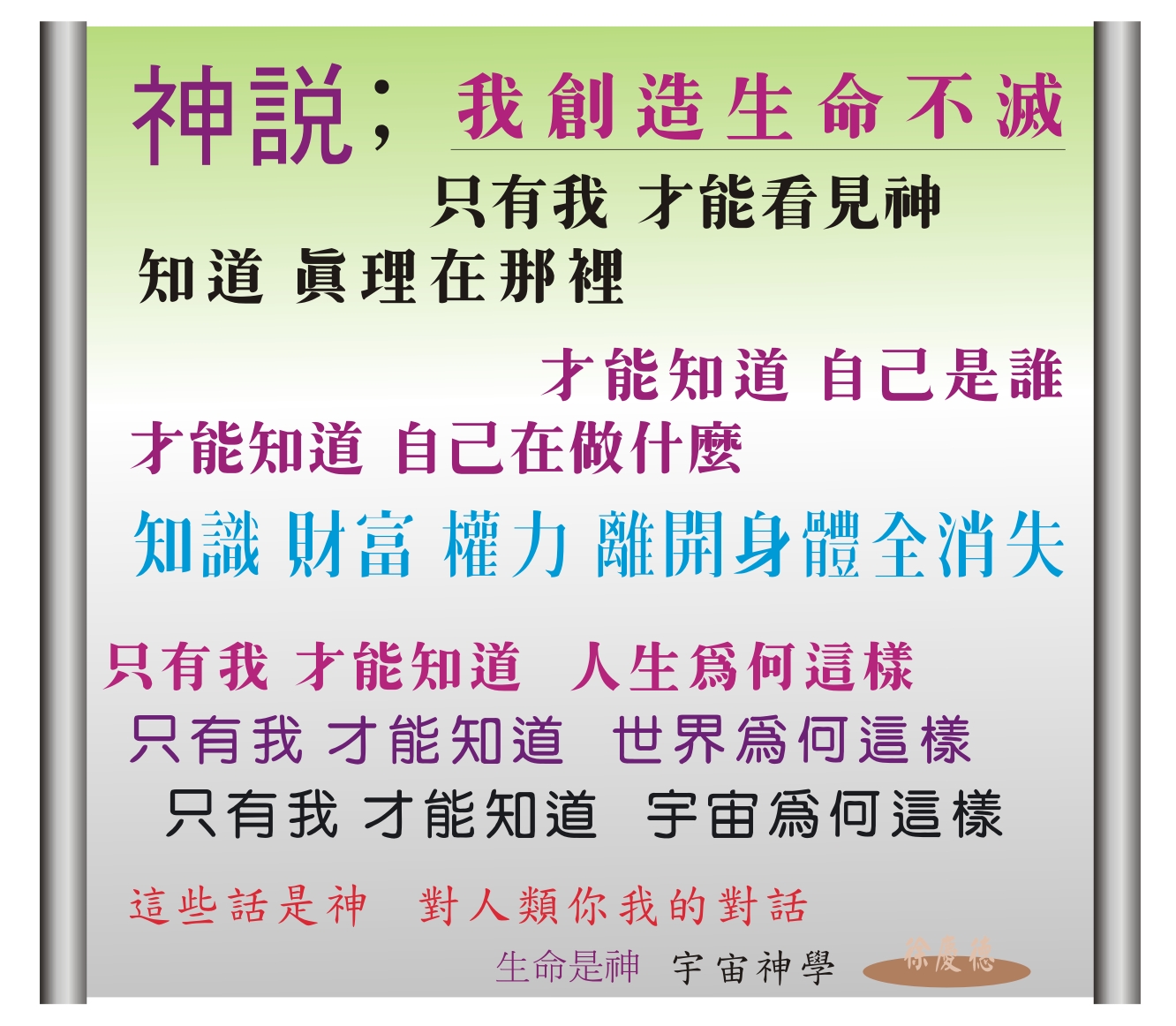
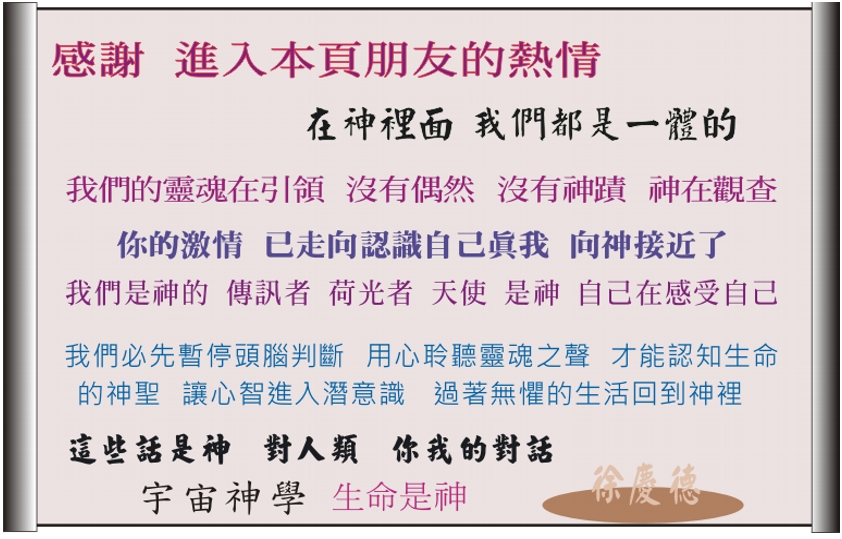
神說 腦可以運用 五官可以感知 智識邏輯可以分析 經歷可以判斷 若說 靈魂 神 命運 愛情 因果 縁份 生死 頭腦就變得一無是處的糊槳 宇宙一切都在振幅電光火石發生人類卻無感覺 而你只要心思放在我這裡 我將指引你路 為你開路 福杯滿溢。
神說 你在天堂 你沒有離開過天堂這個地方 你無處可去 你沒有離開過家 是你選擇肉身受制於DNA 不能憶起你是誰 你無法離神獨自而活 你選擇的旅途道路體驗還未完成 一切都是自己選擇
=====================================================
=====================================================
歡迎您的選擇 在神裡我們合為 1
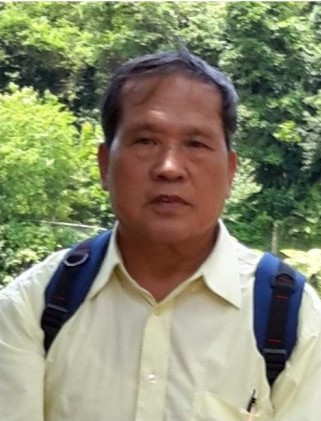
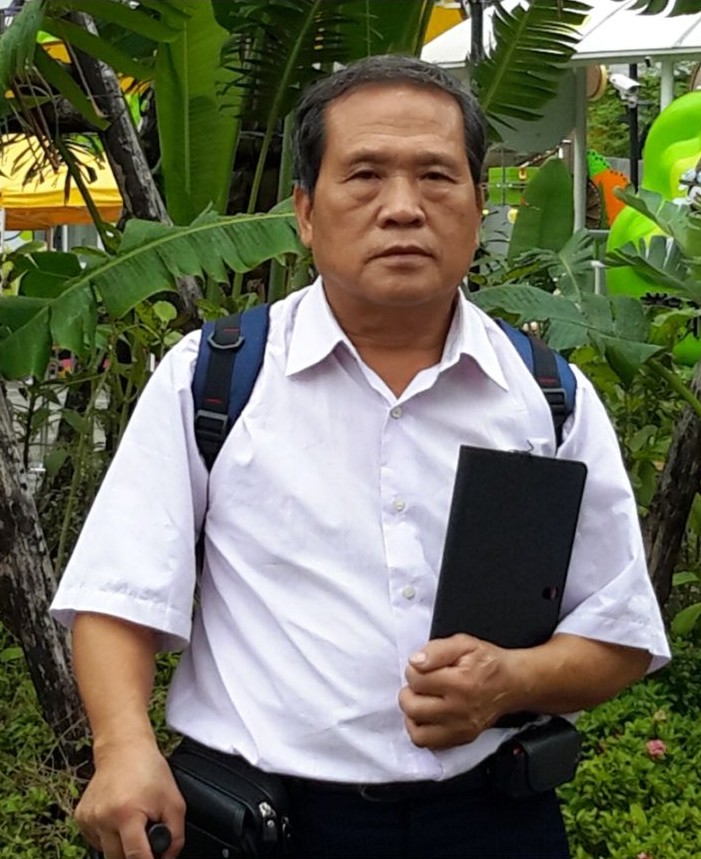
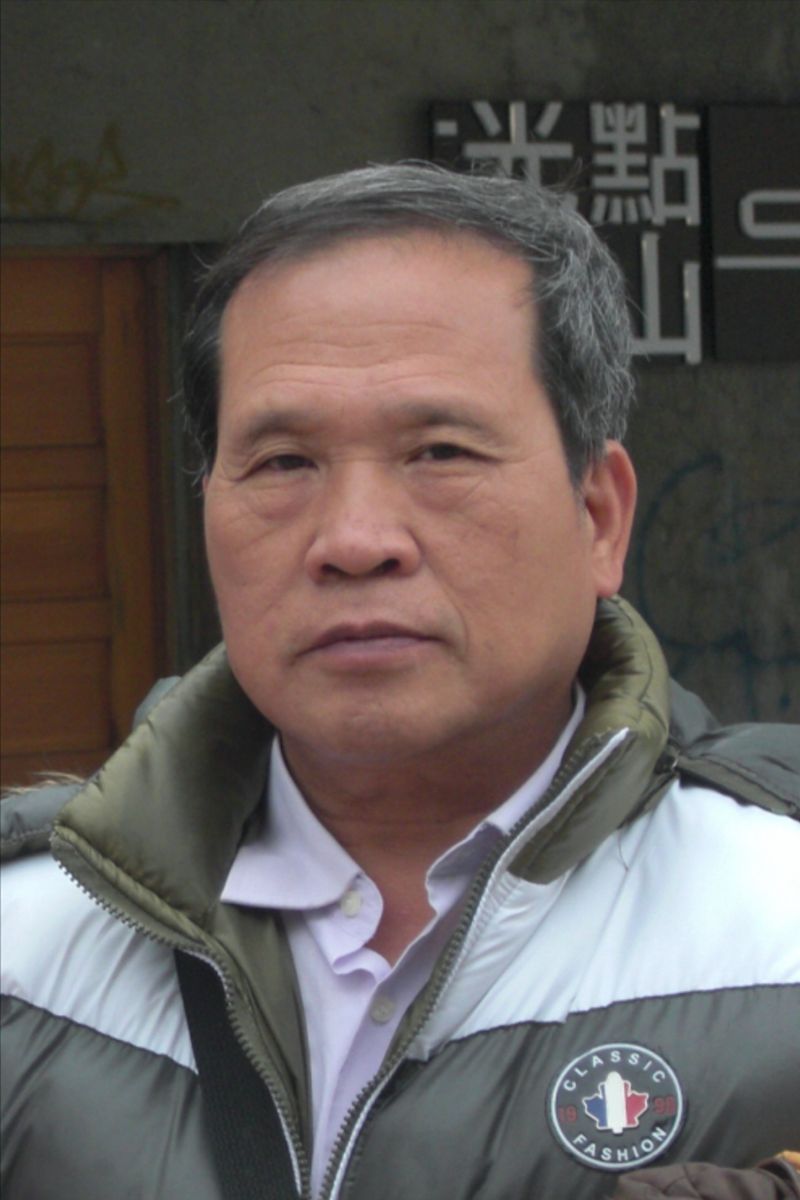
您想與自己靈魂面對面嗎....
您想看到自己的光芒. 自己的情緒嗎...
您想看到自己生命 與神同在安祥感受嗎....
歡迎您與創始人 徐慶德 對談問題
帶您連結與神關係
只要一天時間練習,就走到永生的開悟道路
這裡的信箱可以書信連絡
電子郵件 Syh249097@gmail.com
 加入粉絲團
加入粉絲團- 回首頁
- 第 一001 章 作者本人
- 第 一002 章 我們的工作和宗旨
- 第 一003 章 神學圖
- 第 二001 章 圖說引言(1)
- 第 二002 章 圖說引言(2)
- 第 二003 章 圖說引言(3)
- 第 二004 章 圖說引言(4)
- 第 二005 章 圖說引言(5)
- 第 二006 章 圖說引言(6)
- 第 二007 章 圖說引言(7)
- 第 二008 章 圖說引言(8)
- 第 二009 章 圖說引言(9)
- 第 二010 章 圖說引言(10)
- 第 三001 章 神說言語摘錄(1)
- 第 三002 章 神說言語摘錄(2)
- 第 三003 章 神說言語摘錄(3)
- 第 三004 章 神說言語摘錄(4)
- 第 三005 章 神說言語摘錄(5)
- 第 三006 章 神說言語摘錄(6)
- 第 三007 章 神說言語摘錄(7)
- 第 三008 章 神說言語摘錄(8)
- 第 三009 章 神說言語摘錄(9)
- 第 三010 章 神說言語摘錄(10)
- 第 三011 章 神說言語摘錄(11)
- 第 三012 章 神說言語摘錄(12)
- 第 三013 章 神說言語摘錄(13)
- 第 三014 章 神說言語摘錄(14)
- 第 三015 章 神說言語摘錄(15)
- 第 三016 章 神說言語摘錄(16)
- 第 三017 章 神說言語摘錄(17)
- 第 三018 章 神說言語摘錄(18)
- 第 三019 章 神說言語摘錄(19)
- 第 三020 章 神說言語摘錄(20)
- 第 三021 章 神說言語摘錄(21)
- 第 三022 章 神說言語摘錄(22)
- 第 三023 章 神說言語摘錄(23)
- 第 三024 章 神說言語摘錄(24)
- 第 三025 章 神說言語摘錄(25)
- 第 三026 章 神說言語摘錄(26)
- 第 三027 章 神說言語摘錄(27)
- 第 三028 章 神說言語摘錄(28)
- 第 四001 章 宇宙概念
- 第 四002 章 東方世界最高層思想
- 第 四003 章 生命思言行
- 第 四004 章 神是什麼
- 第 四005 章 神在那裡
- 第 四006 章 我要成功
- 第 四007 章 人面對的恐懼
- 第 四008 章 人是什麼
- 第 四009 章 人的目的
- 第 四010 章 物質記憶
- 第 四011 章 生命是動息
- 第 四012 章 生命是我
- 第 四013 章 人類週期
- 第 四014 章 人類二元思維
- 第 四015 章 幻象物質
- 第 四016 章 思想幻覺
- 第 四017 章 愛是什麼
- 第 四018 章 靈魂是誰
- 第 四019 章 鬼是誰
- 第 四020 章 創造
- 第 四021 章 生命三位一體
- 第 四022 章 死亡歷程
- 第 四023 章 天堂相見神
- 第 四024 章 沒有對與錯
- 第 四025 章 宇宙出生目的
- 第 四026 章 身心靈三合一體
- 第 四027 章 宗教酬化了神
- 第 四028 章 科學扭曲了神
- 第 四029 章 事物東西的召引
- 第 四030 章 物資的創造
- 第 四031 章 談性神聖與可恥
- 第 四032 章 一切名是神
- 第 四033 章 靈魂意識
- 第 四034 章 道路
- 第 四035 章 靈魂的態樣
- 第 四036 章 靈魂在做什麼
- 第 四037 章 生活物質效用
- 第 四038 章 身體的效用
- 第 四039 章 你們思維方式
- 第 四040 章 思維是創造工具之一
- 第 四041 章 三重組合的生命
- 第 四042 章 天堂就是了解
- 第 四043 章 上天堂或下地獄
- 第 四044 章 意念
- 第 四045 章 不需要寬恕
- 第 四046 章 無罪無懲罰
- 第 四047 章 沒有誡命
- 第 四048 章 無須救贖
- 第 四049 章 三位一體的愛
- 第 四050 章 加強觀察
- 第 四051 章 愛的觀察
- 第 四052 章 演進的創造
- 第 四053 章 事件的創造
- 第 四054 章 死亡的實相
- 第 四055 章 分離的幻象
- 第 四056 章 人類的面面觀
- 第 四057 章 生命的覺知
- 第 四058 章 神在喚起人類憶起
- 第 四059 章 信仰的選擇
- 第 四060 章 融合的體驗
- 第 五001 章 外星球高等生物
- 第 五002 章 高生物意識能力
- 第 五003 章 高生物道德
- 第 五004 章 高生物財產管理
- 第 五005 章 高生物生活
- 第 五006 章 高生物先進科技
- 第 五007 章 宇宙真相存在神裡
- 第 五008 章 宇宙能量運作存在神裡
- 第 五009 章 宇宙非空奧秘存在神裡
- 第 五010 章 宇宙一體融合存在神裡
- 第 五011 章 靈魂選擇生命藍圖
- 第 五012 章 靈魂不停選擇創造
- 第 五013 章 靈魂不停選擇體驗
- 第 五014 章 靈魂喜悅選擇合一
- 第 五015 章 靈魂選擇驅體之用
- 第 五016 章 靈界生命意念活動
- 第 五017 章 通靈能力顯象
- 第 五018 章 非物質無次元時空
- 第 五019 章 物質無限三次元時空
- 第 五020 章 地球為什麼這樣
- 第 五021 章 物質形成星球的目地
- 第 五022 章 物質頻率形成幻相場
- 第 五023 章 世界經典創造幻覺
- 第 五024 章 憶起我是誰的重要
- 第 五025 章 我存在的目地
- 第 五026 章 悟道真相是無
- 第 五027 章 覺醒是知
- 第 五028 章 真理存在心裡
- 第 五029 章 儀式修行與神關係
- 第 五030 章 人類創造了神與鬼
- 第 五031 章 祈求的秘密
- 第 五032 章 人類死亡過程相見神
- 第 五033 章 神在觀察非創造者
- 第 五034 章 神在公開訊息
- 第 五035 章 神在感受愛
- 第 五036 章 神是愛
- 第 五037 章 神是生命
- 第 五038 章 神是能量萬有
- 第 五039 章 神是無罪與罰
- 第 五040 章 天堂地獄與宗教
- 第 五041 章 絕對時空鬼魔不存在
- 第 五042 章 人類創造生命歷程
- 第 五043 章 選擇體驗生命藍圖
- 第 五044 章 生活事物的幻覺
- 第 五045 章 救贖是幻覺
- 第 五046 章 靜能見神
- 第 五047 章 時間不動動是神
- 第 五048 章 能量秘密是神
- 第 五049 章 審判不存在
- 第 五050 章 人類創造恐懼生活
- 第 五051 章 心意識包圍生活
- 第 五052 章 頭腦思想分析
- 第 五053 章 思言行合一工具
- 第 五054 章 性別真相
- 第 五055 章 對與錯極端思想
- 第 五056 章 分離寂寞是苦來源
- 第 五057 章 靈魂入世沒有輪迴
- 第 五058 章 名人大師覺悟什麼
- 第 五059 章 生命無限長無限豐富
- 第 五060 章 神訊對身心靈的療癒
- 第 五061 章 新神性的出現
- 第 五062 章 新神性非排斥舊靈性
- 第 五063 章 新神性觀察人際關係
- 第 五064 章 新舊靈性改變世界
- 第 五065 章 新神性的新啓示(一)
- 第 五066 章 新神性的新啓示 (二)
- 第 五067 章 新神性的新啓示 (三)
- 第 五068 章 新神性的新啓示 (四)
- 第 五069 章 新神性喚醒真愛和平
- 第 五070 章 新神性活在愛裡
- 第 五071 章 神候等你妳合而融一
- 第 六001 章 生命意識
- 第 六002 章 物質意識
- 第 六003 章 愛的真相
- 第 六004 章 惡的真相
- 第 六005 章 善的真相
- 第 六006 章 仇的真相
- 第 六007 章 恨的真相
- 第 六008 章 情的真相
- 第 六009 章 欲的真相
- 第 六010 章 悟的真相
- 第 六011 章 眼覺真相
- 第 六012 章 耳覺真相
- 第 六013 章 感覺真相
- 第 六014 章 幻象真相
- 第 六015 章 幻覺真相
- 第 六016 章 苦覺真相
- 第 六017 章 憂鬱真相
- 第 六018 章 快樂真相
- 第 六019 章 喜悅真相
- 第 六020 章 親情真相
- 第 六021 章 生活真相
- 第 六022 章 對錯真相
- 第 六023 章 愛情真相
- 第 六024 章 性別真相
- 第 六025 章 相遇真相
- 第 六026 章 週圍真相
- 第 六027 章 奇蹟真相
- 第 六028 章 神蹟真相
- 第 六029 章 命運真相
- 第 六030 章 輪迴真相
- 第 六031 章 小我真相
- 第 六032 章 高我真相
- 第 六033 章 頭腦真相
- 第 六034 章 心念真相
- 第 六035 章 夢的真相
- 第 六036 章 執著真相
- 第 六037 章 快慢真相
- 第 六038 章 任命真相
- 第 六039 章 思想真相
- 第 六040 章 語言真相
- 第 六041 章 意念真相
- 第 六042 章 行為真相
- 第 六043 章 宇宙真相
- 第 六044 章 天堂真相
- 第 六045 章 地獄真相
- 第 六046 章 魔鬼真相
- 第 六047 章 死亡真相
- 第 六048 章 身體真相
- 第 六049 章 壽命真相
- 第 六050 章 救贖真相
- 第 六051 章 贖罪真相
- 第 六052 章 祈禱真相
- 第 六053 章 平安真相
- 第 六054 章 恐懼真相
- 第 六055 章 復活真相
- 第 六056 章 天使真相
- 第 六057 章 宗敎真相
- 第 六058 章 信仰真相
- 第 六059 章 群組真相
- 第 六060 章 金錢真相
- 第 六061 章 男神真相
- 第 六062 章 女神真相
- 第 六063 章 神是真相
- 第 六064 章 創造真相
- 第 六065 章 覺醒真相
- 第 六066 章 修行真相
- 第 六067 章 能量真相
- 第 六068 章 頻率真相
- 第 六069 章 場力真相
- 第 六070 章 演化真相
- 第 六071 章 ●主要結構 ● 完 ●
- 第 七001 章 生命藍圖
- 第 七002 章 頭腦
- 第 七003 章 腦力
- 第 七004 章 二元世界
- 第 七005 章 術的中道
- 第 七006 章 悟道
- 第 七007 章 靈性
- 第 七008 章 小我
- 第 七009 章 恐懼
- 第 七010 章 攻擊
- 第 七011 章 交流頻率
- 第 七012 章 因果
- 第 七013 章 價值
- 第 七014 章 行動
- 第 七015 章 真正
- 第 七016 章 明白
- 第 七017 章 宇宙
- 第 七018 章 內在(一)
- 第 七019 章 內在(二)
- 第 七020 章 自己(一)
- 第 七021 章 自己(二)
- 第 七022 章 自己(三)
- 第 七023 章 自己(四)
- 第 七024 章 視角(一)
- 第 七025 章 視角(二)
- 第 七026 章 視角(三)
- 第 七027 章 視角(四)
- 第 七028 章 視角(五)
- 第 七029 章 視角(六)
- 第 七030 章 精神領域(一)
- 第 七031 章 精神領域(二)
- 第 七032 章 精神領域(三)
- 第 七033 章 精神領域(四)
- 第 七034 章 精神領域(五)
- 第 七035 章 精神領域(六)
- 第 七036 章 精神領域(七)
- 第 七037 章 核心問題(一)
- 第 七038 章 核心問題(二)
- 第 七039 章 核心問題(三)
- 第 七040 章 核心問題(四)
- 第 七041 章 意識(一)
- 第 七042 章 意識(二)
- 第 七043 章 意識(三)
- 第 七044 章 意識(四)
- 第 七045 章 意識(五)
- 第 七046 章 靈魂記(一)
- 第 七047 章 靈魂記(二)
- 第 七048 章 靈魂記(三)
- 第 七049 章 靈魂記(四)
- 第 七050 章 靈魂記(五)
- 第 七051 章 靈魂記(六)
- 第 七052 章 靈魂記(七)
- 第 七053 章 靈魂記(八)
- 第 七054 章 靈魂記(九)
- 第 七055 章 靈魂記(十)
- 第 七056 章 靈魂記(十一)
- 第 七057 章 靈魂記(十二)
- 第 七058 章 靈魂記(十三)
- 第 七059 章 靈魂記(十四)
- 第 七060 章 靈魂記(十五)
- 第 七061 章 死亡記(一)
- 第 七062 章 死亡記(二)
- 第 七063 章 死亡記(三)
- 第 七064 章 死亡記(四)
- 第 七065 章 死亡記(五)
- 第 七066 章 死亡記(六)
- 第 七067 章 死亡記(七)
- 第 七068 章 死亡記(八)
- 第 七069 章 死亡記(九)
- 第 七070 章 死亡記(十)
- 第 七071 章 死亡記(十一)
- 第 七072 章 死亡記(十二)
- 第 七073 章 死亡記(十三)
- 第 七074 章 死亡記(十四)
- 第 七075 章 死亡記(十五)
- 第 七076 章 死亡記(十六)
- 第 七077 章 死亡記(十七)
- 第 七078 章 神的禮物(一)
- 第 七079 章 神的禮物(二)
- 第 七080 章 神的禮物(三)
- 第 七081 章 神的禮物(四)
- 第 七082 章 神的禮物(五)